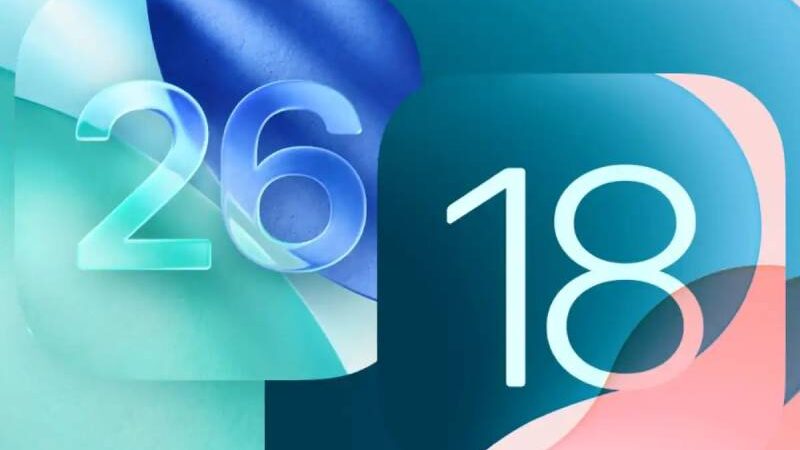
You’re in the right place if you want to better understand how iOS 26 differs from iOS 18 in terms of how your iPhone experience is affected before you install it. Installing it on compatible iPhones is now possible. It adds a number of new features as well as a brand-new design language called Liquid Glass.
Even with all of iOS 26’s new features, Liquid Glass is the center of attention. As the name suggests, the new UI design from Apple looks like glass. This entails giving your icons and widgets gleaming, glass-like corners, transparency all around, and a polished, refined, and flowing appearance.
When you first install the revised design on your iPhone, it may feel like a significant change, but it’s still the iOS that you’re accustomed to using. While keeping the familiarity of its operating system, Apple did a fantastic job giving your iPhone a completely new look and experience. Liquid Glass can be quite spectacular or so delicate that it’s difficult to see, but it only goes so deep. A few differences between iOS 26’s Liquid Glass and its earlier, out-the-door sister, iOS 18, are highlighted below.
Check out our reviews of the iPhone Air, iPhone 17, and iPhone 17 Pro Max for more.
The home screen
The main change between the home screens in iOS 26 and iOS 18 is that the search option and dock background, which are located between the dock and the home screen icons, are slightly darker in iOS 18 and more transparent in iOS 26.
Other minor adjustments include the slightly larger icons in iOS 26 and the apparent greater influence of the makeover on the icons of select apps, particularly Settings, Camera, and Mail (based on screenshots).
Selecting the “All Clear” setting will produce the most dramatic alteration to your widgets and icons, making Liquid Glass truly pop on the home screen. This approach might cause some viewability problems, however the “reduce transparency” setting effectively fixes this.
Control Center
It’s very much the same here. The 1×2 and 2×1 controls in iOS 26 are more rounded than those in iOS 18, aside from the new glassy appearance.
Lock screen
The improvements that Liquid Glass makes to the iPhone lock screen are readily apparent. It’s really cool that the digital clock in iOS 26 automatically changes its size based on your current amount of alerts and the wallpaper. On iOS 18, you can adjust the clock itself, but it won’t adjust its size in reaction to what’s on the lock screen.
With iOS 18 offering greater opacity and black text and iOS 26 offering an almost transparent background on white text, the two OS versions’ notification backgrounds are obviously different. In iOS 26, the bottom controls also have a more see-through background and like physical buttons with depth.
When you start sliding your finger up to unlock your iPhone, the new unlock effect in iOS 26 will make it look like you’re lifting a sheet of glass, with a shiny edge to give it shape.
Dynamic tab bars and menus
Dynamic tab bars in apps are a new feature in iOS 26 that will alter based on whether you’re scrolling or attempting to complete a particular task. According to Apple, this will free up space for your content and make the experience more natural. No one would blame you for confusing this new tab bar with what Google is doing in some of its apps on Android 16 if you were to replace the glass effect with highly saturated colors because they seem quite similar. However, this new dynamic tab bar should not only make it easier to navigate through numerous menus than iOS 18, but it also looks very decent.
iOS 26 will adjust to dark and light backgrounds dynamically
The ability for buttons and menus to change based on the backdrop color of the content is a forthcoming feature, though it’s more difficult to compare Liquid Glass to iOS 18. The floating menu items, for example, will show up with black text for easier readability when you’re navigating through an app with a light background. When you scroll to a dark background, the text will automatically change to white.
As you can see from the pictures of the photographs app above, iOS has already seen this kind of feature appear in a less dramatic way. It’s difficult not to get enthusiastic about the minor adjustments Liquid Glass has planned when comparing these to what’s coming up.
These are only some of our initial findings, and if we find more, we’ll probably add them. Check out these three forthcoming features that are more significant than Liquid Glass if you want to learn more about iOS 26.

- How To Stream NASCAR Races Using The FOX Sports App - January 29, 2026
- Senior Bowl 2026: Rosters, Start Time, TV Channel & How To Watch - January 29, 2026
- Penn State Releases 2026 Football Schedule—Here’s What to Know - January 28, 2026