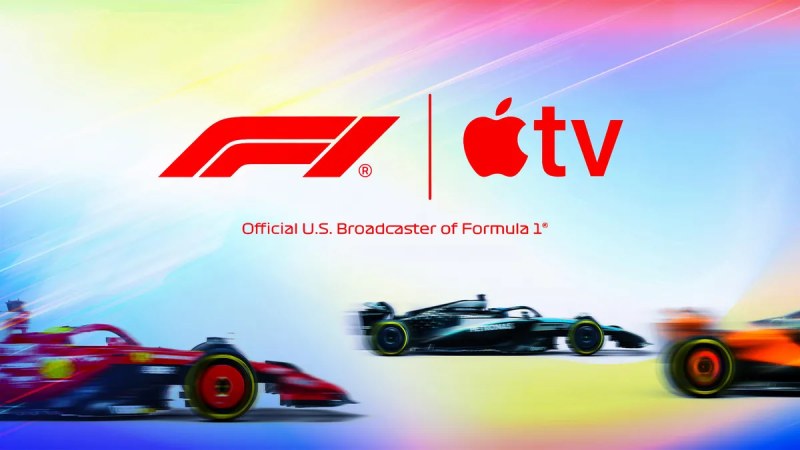
Apple TV has signed an exclusive deal to broadcast Formula One in the United States beginning with the 2026 season, which includes all Grand Prix, qualifying, and practice sessions.
In short, you’ll need an Apple TV subscription to watch Formula One races this year. In this piece, we’ll go over how to subscribe, how to save money, what device to use to tune in, and what you can watch for free.
Previously, in the United States, you could watch Formula One live on ESPN on cable or stream it on the F1.TV portal. The new deal means that no races will be shown on ESPN in 2026. Apple is the sole broadcast partner. (However, you can still utilize the F1.TV app if you like; more on that below).
For 2026 and beyond, you’ll need an Apple TV subscription to watch via the Apple TV app on a compatible device and stream to your TV. You may also watch on your web browser at tv.apple.com.
How much does the Apple TV cost?
Apple TV costs $12.99 per month, or $99 annually. To obtain the annual plan as a new subscriber, first subscribe to the monthly plan, then navigate to your subscription options and select the annual plan. New signups can get a free seven-day trial here.
You can also buy Apple TV as part of the Apple One bundle, which starts at $19.95 per month and includes services like Apple Music and iCloud storage.
A single Apple TV subscription can be shared with up to six individuals using Family Sharing. Students can get Apple TV for free as part of the Apple Music Student Plan. Some mobile carrier plans include (or lower the cost of) Apple TV.
Whatever the case, as long as you have an Apple TV, you will be able to view all Formula 1 material in 4K quality, both live and on-demand. There is no need to purchase any more tiers or upgrades.
How to Watch Formula 1 on Apple
On race weekends, the TV app will have a unique F1 section with live race action, alternative streams for driver onboard cameras, and other special features.
The 2026 F1 season consists of 24 races, beginning on March 7. If you’ve never seen Formula 1 before, a racing weekend consists of practice sessions, qualifying, and the actual Grand Prix on Sunday.
Apple TV will show everything, including practice sessions on Friday, qualifying on Saturday, and the race on Sunday. All practice sessions will be streamed for free, with no subscription necessary, so that those new to the sport may get a taste of the experience without having to subscribe.
You also don’t have to watch live. Races will be available to watch on demand via replay. There will also be some additional coverage to enjoy during the season.
Which is the best way to stream?
The list of devices that are compatible is long. The Apple TV app is accessible on a variety of devices, including iPhone, iPad, Mac, Android, Windows PCs, PlayStation, Xbox, and a web app at tv.apple.com. However, the best way to watch is most likely through an Apple TV 4K set-top box. This is Apple’s streaming box, and it provides the highest visual and audio quality. You will also be able to use the Multiview feature, which allows you to monitor four separate streams of activity at the same time.
How to Use F1.TV with My Apple TV Account
If you’re a Formula 1 fan, you’re probably used to watching races on the F1.TV website or through applications. While you can no longer pay directly for F1.TV, you may still use the service if you have an Apple TV account. This is because Apple TV offers F1.TV Premium as a free bonus (it was previously priced at $129 a year).
To link accounts, launch the F1.TV app on your phone or visit this page online. Click the Activate button to connect your F1.The TV and Apple accounts are linked together. You can then continue to watch F1.TV as you normally would. You may also want to use F1.TV to see the extensive historical archive or watch lower division racing that is not available directly through the Apple TV app.
For example, to watch the pre-season testing programs, which air live on February 11-13 and February 18-20, you must use F1.TV. Simply subscribe to Apple and link your accounts, and you’re all set. (If you already have an F1.TV subscription, you can continue to use it until it expires; it will not renew.)
(Note: If you subscribe to Apple TV using Amazon Prime, you must first link your Prime subscription to your Apple account using this page. Then, you may attach it to F1.TV.
Apple TV + F1 going forward
The Apple F1 contract extends until 2032 and could be extended if it is successful. The companies have pledged that this is only the beginning, and that additional features and production advancements would be added to the service in the future.
In terms of viewership, most predict the initial debut to be lower than when the season premiered on ESPN. However, Apple and F1 hope that customers would gradually adopt the subscription model.
For fans who previously used F1.TV, it is actually a fairly excellent offer – they can now watch the sport for around the same price as last year, but they now gain access to the whole Apple TV content collection of TV episodes and movies.
If you were already an F1.TV and Apple TV subscriber last year, you’ll save money this season because you won’t have to pay for it.
This year, Apple TV will also have Major League Soccer, making sports content even more accessible.

- How to Watch Formula 1 Races on Apple TV: Complete Streaming Guide - February 9, 2026
- When Is the Seahawks’ Super Bowl Parade? 2026 Victory Celebration Details - February 9, 2026
- Where the Bears Rank in 2026 NFL Strength of Schedule - February 9, 2026